diff --git a/README.md b/README.md
index b32209c..80f1511 100644
--- a/README.md
+++ b/README.md
@@ -33,7 +33,7 @@
* Make features usable from a touch screen menu
-
+ ## Write something via USART
@@ -53,7 +53,7 @@
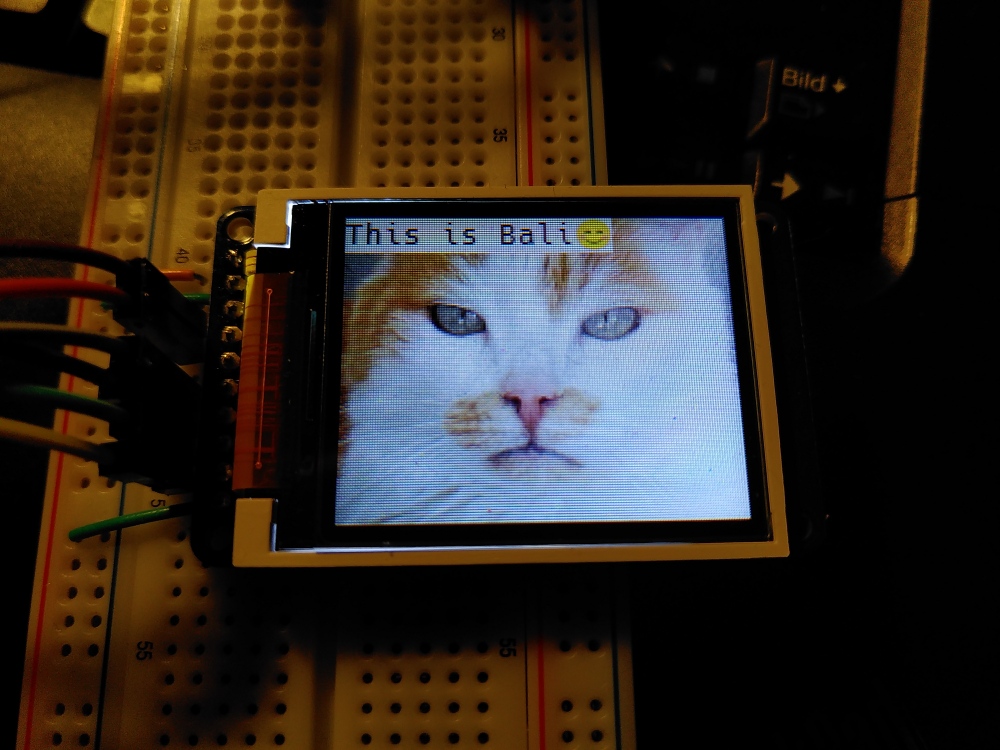
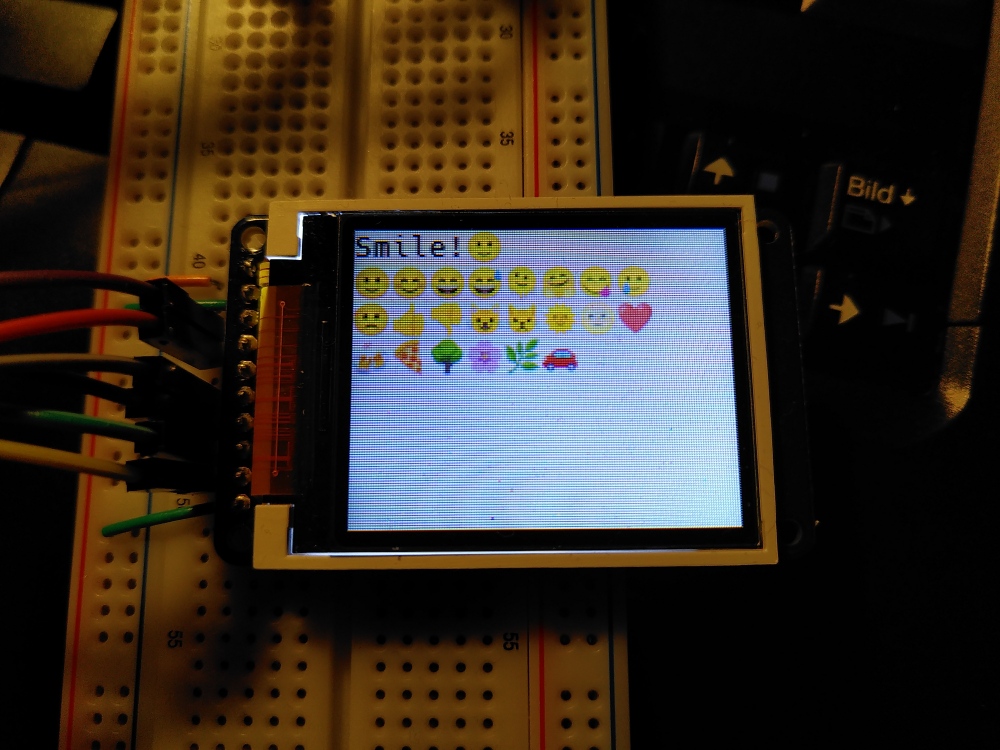
Emojis are entered with a tabulation char + their "code", i.e. `Smile!s` for a smiling emoji.
-
+
## Write something via USART
@@ -53,7 +53,7 @@
Emojis are entered with a tabulation char + their "code", i.e. `Smile!s` for a smiling emoji.
-
+ ## Convert and write images to SD card
@@ -62,26 +62,21 @@
## Paint application
-A super basic paint application created to learn about processing touch events
-and draw something on the screen.
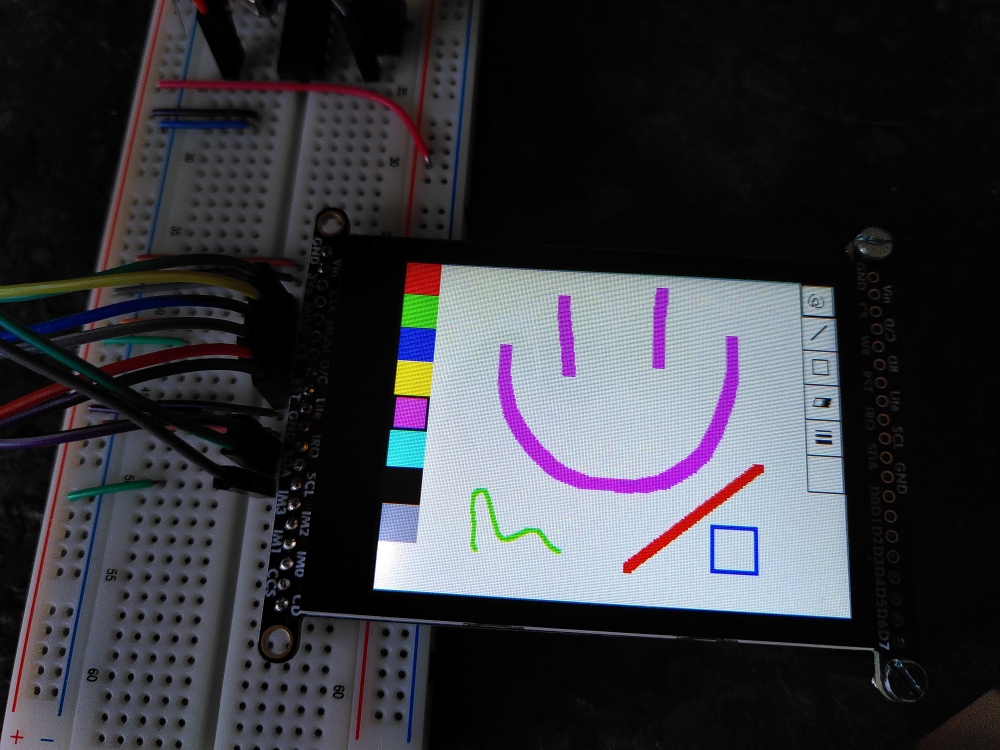
+A super basic paint application created to learn about processing touch events and draw something on the screen.
-The FT6206 based touch screen of the
-[Adafruit 2.8" Color TFT LCD with Cap Touch 320x240 ILI9341](https://www.adafruit.com/product/2090)
-works quite well but at least for me the coordinates of touches close to the
-long edges of the screen are a bit off (too close to the edge) and there seems
-to be no calibration capability - the data sheet mentions "auto calibration".
+The FT6206 based touch screen of the [Adafruit 2.8" Color TFT LCD with Cap Touch 320x240 ILI9341](https://www.adafruit.com/product/2090)
+works quite well but at least for me the coordinates of touches close to the long edges of the screen are a bit off
+(too close to the edge) and there seems to be no calibration capability - the data sheet mentions "auto calibration".
-But still it is fun and it should be possible to create an application
-supporting touch with reliable usability.
+But still it is fun and it should be possible to create an application supporting touch with reliable usability.
-
+
## Convert and write images to SD card
@@ -62,26 +62,21 @@
## Paint application
-A super basic paint application created to learn about processing touch events
-and draw something on the screen.
+A super basic paint application created to learn about processing touch events and draw something on the screen.
-The FT6206 based touch screen of the
-[Adafruit 2.8" Color TFT LCD with Cap Touch 320x240 ILI9341](https://www.adafruit.com/product/2090)
-works quite well but at least for me the coordinates of touches close to the
-long edges of the screen are a bit off (too close to the edge) and there seems
-to be no calibration capability - the data sheet mentions "auto calibration".
+The FT6206 based touch screen of the [Adafruit 2.8" Color TFT LCD with Cap Touch 320x240 ILI9341](https://www.adafruit.com/product/2090)
+works quite well but at least for me the coordinates of touches close to the long edges of the screen are a bit off
+(too close to the edge) and there seems to be no calibration capability - the data sheet mentions "auto calibration".
-But still it is fun and it should be possible to create an application
-supporting touch with reliable usability.
+But still it is fun and it should be possible to create an application supporting touch with reliable usability.
-
+ ## Larger (up to 800x480) TTL displays
-If at all possible, it probably is quite a challenge to drive such a 40-pin display with a 28-pin
-MCU like the ATmega238P, but it is easy with the RA8875 driver, offering support for a touch screen
-as well. Here it is combined with the [SparkFun Level Shifting microSD Breakout](https://www.sparkfun.com/products/13743)
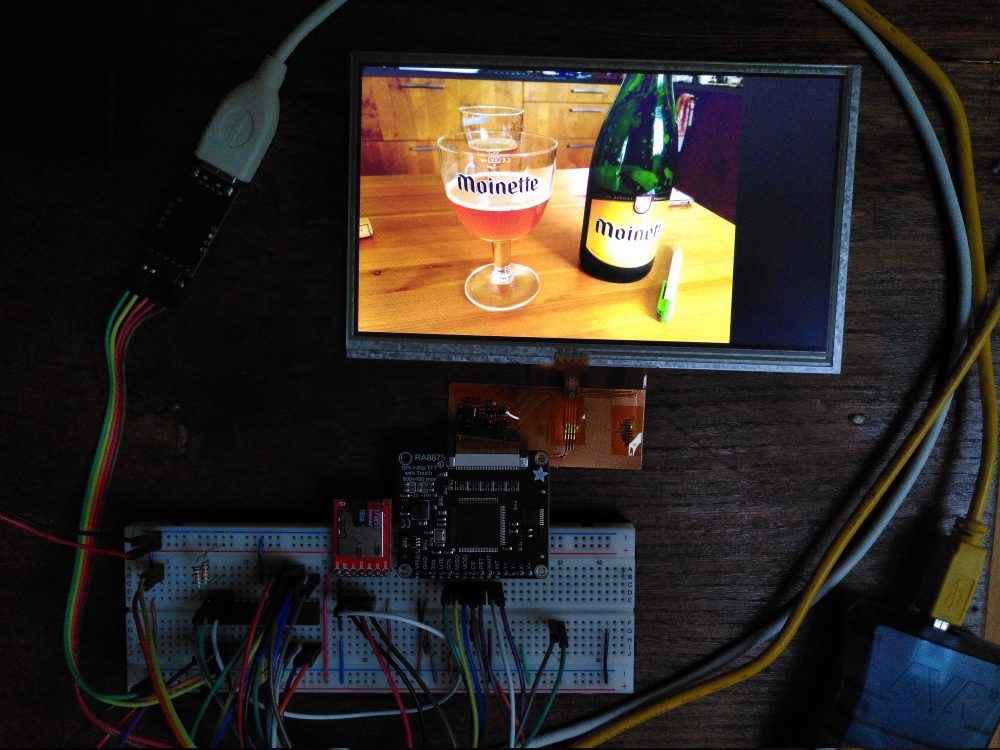
+If at all possible, it probably is quite a challenge to drive such a 40-pin display with a 28-pin MCU like the ATmega238P,
+but it is easy with the RA8875 driver, offering support for a touch screen as well.
+Here it is combined with the [SparkFun Level Shifting microSD Breakout](https://www.sparkfun.com/products/13743)
to read images from an SD card, advancing to the next image by touching the screen.
-
-
+
## Larger (up to 800x480) TTL displays
-If at all possible, it probably is quite a challenge to drive such a 40-pin display with a 28-pin
-MCU like the ATmega238P, but it is easy with the RA8875 driver, offering support for a touch screen
-as well. Here it is combined with the [SparkFun Level Shifting microSD Breakout](https://www.sparkfun.com/products/13743)
+If at all possible, it probably is quite a challenge to drive such a 40-pin display with a 28-pin MCU like the ATmega238P,
+but it is easy with the RA8875 driver, offering support for a touch screen as well.
+Here it is combined with the [SparkFun Level Shifting microSD Breakout](https://www.sparkfun.com/products/13743)
to read images from an SD card, advancing to the next image by touching the screen.
-
-
+